Designations, not generic tiers
Teacher, Accountant, Fee Cashier, and Librarian are examples. Each designation maps to what actually shows up in that person's workspace.
07 · Right role, right view.
Each role sees the right workspace with every action tracked.
Hear it from Syfty
Why it matters
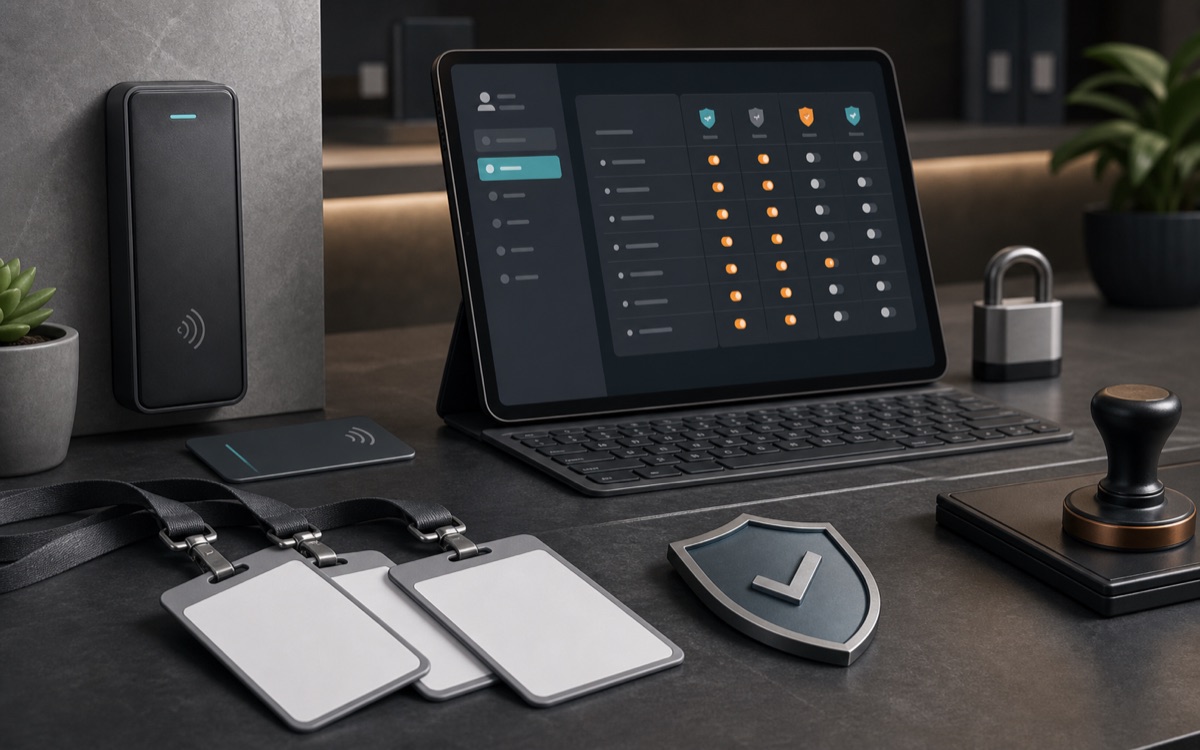
Access control in a school is not about generic admin and user roles. It follows real job titles on campus. A Fee Cashier is not an accountant, and should not see everything an accountant sees. In Edsyft, a Fee Cashier gets a finance workspace limited to student fees, pending dues, and the cash desk. Cheques, refunds, concessions, and finance governance are not shown in that menu by default.
Every designation on staff, Teacher, Accountant, Fee Cashier, Librarian, Transport Staff, and the rest, maps to a small set of capability keys that shape what shows up across the product: a Head Teacher or Academic Coordinator gets the HOD capability, an Admissions Officer becomes the admissions coordinator, an Accountant or Fee Cashier both land on the finance-facing cashier capability, distinguished further by their exact designation. It's a system built from real job titles, not generic access levels.
The same organization-vs-school separation that governs fees and academics governs day-to-day operations too. A defined set of capabilities, who manages leads, who reviews admission documents, who can correct a fee, who owns attendance policy and exam configuration, is set by the organization as org-locked, delegated for the school to run directly, or hidden from that school entirely. It's a real control surface the organization actively manages, not a one-time setup step.
Some information carries a heavier obligation than a permission check. Viewing a staff member's bank account number or identity document isn't a screen someone opens by default. It's a separate, logged action that requires typing a reason before the system reveals anything, and that reason, along with who asked and when, is written to an organization-wide audit log. The sensitive value isn't just protected by who can see it; every time it is seen, that fact is on the record too.
What it handles
Every capability below maps to a real operating decision, handoff, or record inside the module.
Teacher, Accountant, Fee Cashier, and Librarian are examples. Each designation maps to what actually shows up in that person's workspace.
Who did what, when, from where, and why is logged automatically, including denied attempts.
Suspend a staff member and they're locked out on their next click.
A school-bound role can't reach another campus's data, even by guessing a URL.
Fee corrections, attendance policy, document review, and more, set by the organization as locked, delegated, or hidden, campus by campus.
Viewing a bank account or identity document requires a typed reason, logged with who asked, and when.
How it is controlled
Permissions, approvals, and state changes are part of the workflow itself, not instructions left for a staff meeting.
A Fee Cashier's finance menu shows only student fees, pending dues, and the cash desk. Cheques, refunds, and concessions are not shown there.
Opening a staff member's bank account or identity document demands a typed reason before it's shown, and that reason is written to the audit log with it.
Whether a school can correct its own fees or manage its own attendance policy is an organization decision, applied per campus, per capability.
Value propositions
What changes for the team once this module is running in daily work.
Concessions, refunds, and cashier variances all route to the organization, no single person moves a balance alone.
The Fee Cashier designation narrows the finance workspace to student fees, pending dues, and the cash desk, nothing wider, by default.