Public enquiry form
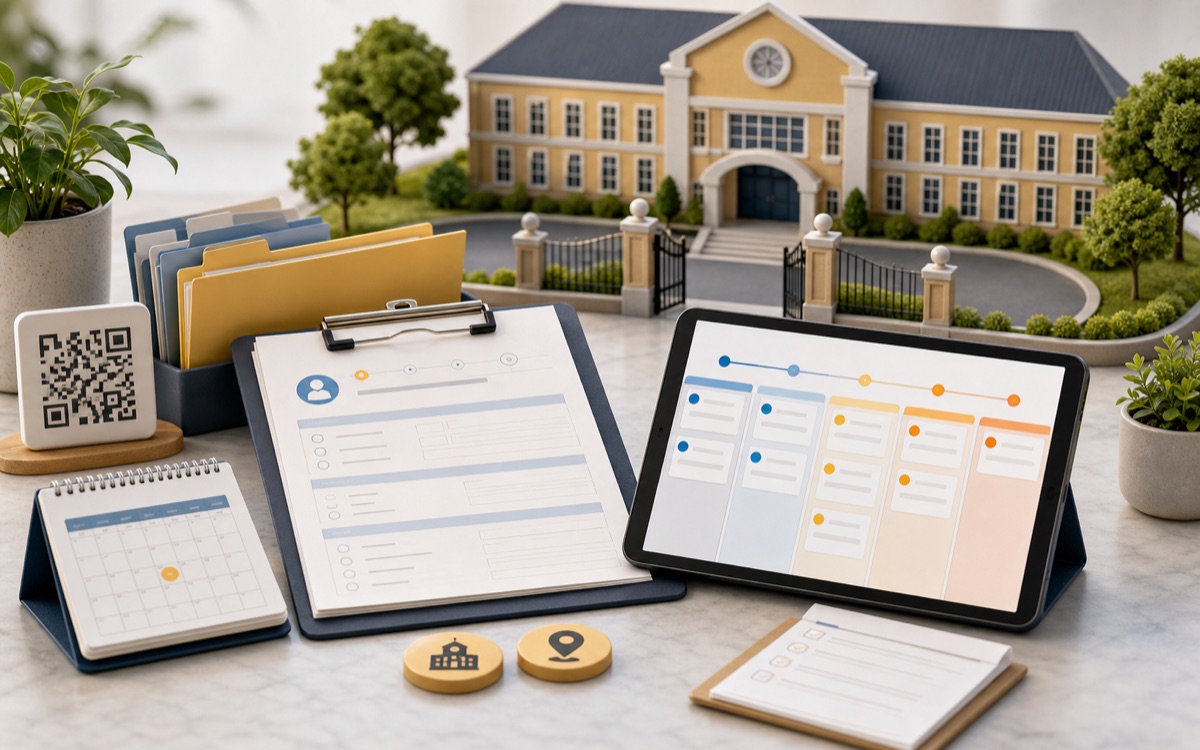
Families apply from a shared link or QR code and enter the pipeline directly.
02 · Enquiry to enrolment, tracked.
Enquiries move from contact to enrolment in one clear flow.
Hear it from Syfty
Why it matters
An admission season runs on hundreds of small promises: a callback that was supposed to happen, a document a parent said they'd bring, a fee plan someone quoted over the phone. Most of that lives in someone's memory, a notebook, or a WhatsApp thread, until the person holding it goes on leave in June, and the office starts from zero.
Edsyft treats every enquiry as a record from the moment it arrives, not from the moment someone gets around to entering it. A family can apply through a shared link or a QR code and land directly in the pipeline. A walk-in gets logged in under a minute at the front desk. Either way, the same record follows the family through six stages: new, contacted, visit scheduled, interested, and finally won or lost, and every move between stages carries who made it, when, and why.
Winning a lead doesn't mean re-typing the family's details into a second system. The enquiry becomes an applicant with names, contacts, and preferences already filled in, ready for a class and section assignment. From there, document review, fee assignment, and the parent invite follow as tracked steps, not side conversations.
What it handles
Every capability below maps to a real operating decision, handoff, or record inside the module.
Families apply from a shared link or QR code and enter the pipeline directly.
A won enquiry becomes an applicant with names and contacts already filled in.
Enquiry, application, and admission numbers follow your configured prefixes, without gaps.
Approve a file or ask for a re-upload while parents get notified and response time is tracked.
Assign a fee plan, transport, and hostel, then invite the parent automatically.
Every stage change carries who moved it, when, and why.
The lead pipeline
Every enquiry moves through the same six stages, whether it started as a phone call or a form submission on a parent's phone.
01
Enquiry lands in the pipeline the moment it's logged.
02
Office has reached out and logged the call or visit.
03
A campus visit is booked with the family.
04
Family is reviewing class fit, fees, or a seat offer.
05
Converts to an applicant, no retyping the family's details.
06
Closed out, with a reason on record for later reference.
How it is controlled
Permissions, approvals, and state changes are part of the workflow itself, not instructions left for a staff meeting.
A reviewer claims a document, assigns it to themselves, and decides to approve it or ask for a re-upload as a tracked step, not a side conversation with the front office.
Marking a lead lost, or fast-tracking one to interested, records who made the call and why. That helps when someone asks why a family didn't convert.
Enquiry, application, and admission numbers are generated from your configured prefix and sequence, never a manually typed number, never a gap.
Value propositions
What changes for the team once this module is running in daily work.
From first enquiry call to admitted student, the record stays in the pipeline, not a sticky note that goes missing in June.
Document review can be assigned to a dedicated reviewer role, with claim, assign, and decide steps tracked.
Names, contacts, and class preference carry straight from the lead. The office fills gaps, not the whole form.